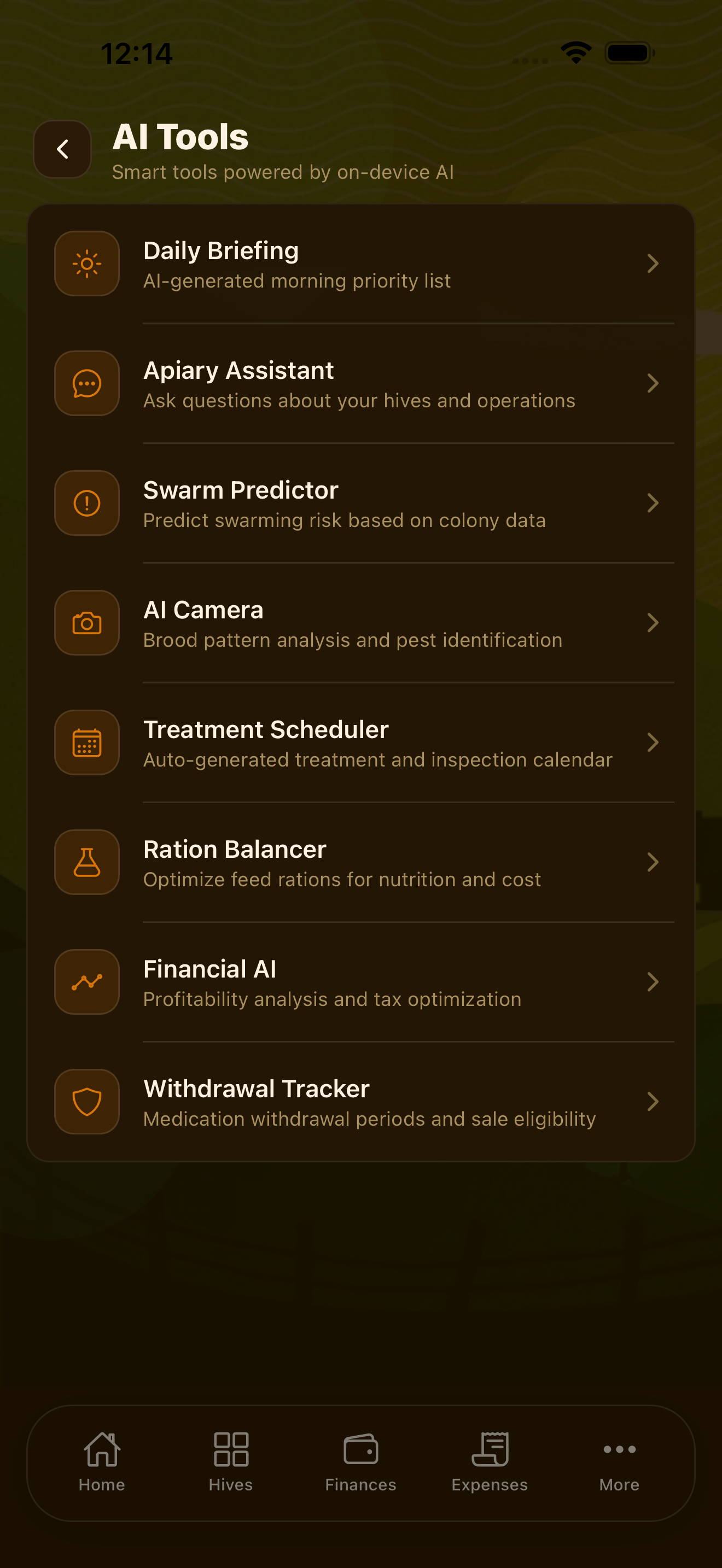
LawnBook™ includes a full suite of AI-powered tools designed specifically for lawn care professionals. Every feature — from the conversational assistant to photo analysis — runs using on-device machine learning. No internet connection required, no data leaving your phone.
Lawn Assistant Chat
The Lawn Assistant is a conversational AI you can ask anything about lawn care, your business, or your schedule. Access it from the AI tab or by tapping the assistant icon in the top corner of any screen.
Questions you can ask:
- "What's the best time to apply pre-emergent in Georgia?"
- "How much fertilizer should I apply to a 5,000 sq ft Bermuda lawn?"
- "Which of my clients haven't had service in over 30 days?"
- "What jobs are scheduled for Thursday?"
- "Summarize last month's revenue for me"
The assistant has context about your actual data — clients, jobs, invoices, and expenses. It doesn't just give generic advice; it answers questions specific to your business and your clients' lawns.
Note: The on-device model excels at lawn care knowledge and business queries. For complex legal or tax questions, consult a licensed professional.
Voice Job Entry
Create jobs without typing. Tap the microphone on the Jobs or Schedule screen and describe the job out loud. LawnBook's speech recognition and natural language AI extract all the details:
- Client name or address
- Service type (mow, edge, fertilize, aerate, etc.)
- Date and time
- Notes or special instructions
- Estimated duration
The extracted information is shown for your review before saving. Voice entry is available offline and supports natural phrasing — "Schedule a mow and blow for the Johnson property next Monday at 8" works as well as more formal descriptions.
AI Receipt Scanner
Point your camera at any business receipt and the AI extracts the vendor name, total amount, date, and line items. It then suggests the appropriate Schedule C expense category. Receipt images are stored on-device alongside the expense entry as a digital record.
The scanner handles a wide range of receipt formats including gas station printouts, hardware store receipts, supply wholesaler invoices, handwritten receipts, and mobile POS receipts from small suppliers.
Daily Briefing
Each morning, LawnBook generates a Daily Briefing — a short summary of your day based on your schedule, weather data, and open business items. The briefing covers:
- Jobs scheduled for today and their addresses
- Weather forecast for your area and any rain risk
- Outstanding invoices that are overdue
- Low-stock supply alerts
- Upcoming quarterly estimated tax due dates
- Clients who haven't had service in a while
The briefing appears as a notification each morning and is always available from the Dashboard. It's written in plain conversational language, not a wall of numbers.
Tip: Read your daily briefing before you get in the truck. It surfaces things you might otherwise miss — like the fact that one of your Thursday jobs has a client note about a locked gate code you set up last month.
Seasonal Planner
The Seasonal Planner generates a month-by-month lawn care plan for each client based on their property's grass type, region, and current season. Plans include specific recommendations for:
- Fertilizer application timing and product type
- Pre-emergent and post-emergent herbicide windows
- Aeration and overseeding timing
- Dethatching recommendations
- Mowing height adjustments by season
- Irrigation schedule changes
Access the Seasonal Planner from any client's profile page or from the AI tab. Plans can be exported as PDF to share with clients as a professional service proposal.
Lawn Photo Analysis
Take a photo of a lawn and the AI analyzes what it sees. The analysis can identify:
- Common turf diseases (brown patch, dollar spot, pythium blight)
- Weed types and suggested treatment
- Signs of pest damage (grubs, chinch bugs, armyworms)
- Nutrient deficiency indicators (yellowing patterns, color variation)
- Drought stress vs. disease stress patterns
Analysis results include a confidence level and suggested next steps. Photos and analysis are stored with the client's service history as documentation. The AI runs entirely on-device — no lawn photos are uploaded to any server.
Tip: Use photo analysis as a first-pass diagnostic. It catches the obvious issues well, but complex or ambiguous cases should still involve a soil test or consultation with a local extension service.
Smart Estimates
When creating a job estimate, the Smart Estimate feature suggests pricing based on the service type, property size, and your historical pricing data for similar jobs. It learns from your actual invoices over time, so suggestions become more accurate the longer you use the app.
Smart Estimates also flag if a proposed price is significantly below your typical rate for that service — a useful check when estimating under pressure on the phone with a new client.
Proposal Generator
Generate a professional service proposal for a new client in under two minutes. The Proposal Generator pulls together:
- Client and property information
- Recommended service plan based on grass type and property assessment
- Itemized pricing for each service
- Seasonal schedule overview
- Your business name and contact information
The generated proposal is formatted as a professional PDF you can share via email or text directly from the app. It's polished enough to send to commercial property managers or HOAs, not just residential clients.
Auto Scheduler
The Auto Scheduler analyzes your client locations and builds an optimized weekly schedule that minimizes drive time between jobs. Rather than scheduling by preference order, it groups clients by proximity — cutting fuel costs and adding capacity for more jobs in the same hours.
- Tap AI → Auto Scheduler to get a suggested week based on your active clients
- Review the proposed schedule on the map view before accepting
- Drag individual jobs to adjust — the route recalculates in real time
- Apply the schedule to your calendar with one tap
Tip: Auto Scheduler works best once you have at least 10 active clients. The more clients, the more it can optimize.
Smart Bid Generator
The Smart Bid Generator creates pricing estimates for new clients based on comparable jobs you've already done. Select one or more service types (mow, edge, fertilize, aerate) and the AI suggests a price range drawn from your own invoice history for similar property sizes and grass types.
- Open any client profile and tap Generate Estimate
- Select one or multiple services — the bid covers them all
- Adjust the suggested price before converting to a formal estimate
- The generator flags if your price is below your typical effective hourly rate
Smart Follow-Ups
Smart Follow-Ups drafts personalized outreach emails for clients who are dormant (no recent jobs) or have overdue balances. Instead of a generic reminder, each draft references the client's name, last service date, and property — making it sound like you wrote it yourself.
- Go to AI → Smart Follow-Ups to see clients flagged for outreach
- Tap any client to review and edit the drafted message
- Send directly from the app via email or SMS
- Dormant threshold is configurable: 30, 45, or 60 days since last job
Job Profitability
Job Profitability calculates your effective hourly rate for every completed job by comparing the invoiced amount against the time logged. It surfaces which jobs (and which clients) are most profitable, and flags any job where you earned below your target rate.
- View profitability from AI → Job Profitability or from any job's detail view
- Set your target hourly rate in Settings → Business Profile
- Red flags appear on jobs where actual rate fell more than 20% below target
- Filter by service type to find which services are most and least profitable
- Export a profitability summary as PDF for month-end review
Note: Profitability requires time tracking to be enabled. Jobs without a logged duration are excluded from calculations.
Mass Email
Mass Email lets you send a single personalized message to all clients or a filtered segment — without a separate email marketing tool. Each recipient gets a message that includes their name, property address, and any relevant account details, drafted by the AI from one of six built-in templates.
Available templates:
- Season kickoff — announce spring service resumption
- Price update — communicate a rate change professionally
- Service reminder — nudge clients who haven't booked
- Weather delay — notify multiple clients of a schedule change
- Holiday thank-you — seasonal appreciation message
- New service launch — announce a new offering to your list
Filter recipients by active/inactive status, service type, or last job date before sending. Preview each personalized draft before it goes out.
Property Assessment
Property Assessment generates a lawn health score for any client using USDA Web Soil Survey data combined with the client's grass type, shade level, irrigation notes, and your service history. The result is a structured report you can share as a PDF proposal.
- Open a client profile and tap Assess Property
- The AI combines soil type, drainage class, organic matter, and your field notes
- A score from 1–100 indicates overall lawn health
- The report includes specific improvement recommendations (aeration, overseeding, pH correction)
- Share the PDF directly with the client to justify services or upsell a treatment plan
Client Messages
After completing a job, Client Messages generates a brief, professional job completion summary you can send to the homeowner. The message includes what was done, any observations about the lawn, and a suggested next step — all written in a friendly tone specific to that property.
- Tap Mark Complete on any job, then tap Send Completion Message
- Review and edit the AI draft before sending
- Attach a before/after photo pair if you captured one
- Messages are logged in the client's service history for reference
Upsell Engine
The Upsell Engine reviews each client's lawn profile and service history to recommend additional services they're likely to need but haven't booked. Recommendations are ranked by how relevant they are to the client's grass type, season, and current service gap.
- Access from AI → Upsell Opportunities or from any client profile
- Example recommendations: a Bermuda client with no aeration in 18 months, a Fescue client entering fall overseeding window
- One-tap to convert a recommendation into a draft estimate
- Track which recommendations you've sent and whether clients accepted
Before & After
Before & After lets you capture a photo pair for any job and run an AI comparison that scores the visible improvement. The comparison can be shared with clients as proof of work, or used in your portfolio on the website builder.
- Tap Before when you arrive, then After when you finish
- The AI scores improvement across turf density, color uniformity, and edge definition
- Photos and scores are stored in the job record and the client's history
- Export the side-by-side comparison card as an image to share on social media
Seasonal Revenue
Seasonal Revenue shows monthly revenue trends, year-over-year growth, and identifies periods where you have capacity for more work. It uses your invoice history to surface patterns — which months you're busiest, where revenue drops, and what services drive the most income by season.
- Access from AI → Seasonal Revenue or from the Revenue section of the Dashboard
- Compare any month against the same month last year
- View revenue broken down by service type across months
- The AI highlights months with unusually low revenue and suggests actions (email campaigns, seasonal service promotions)
- Export monthly trend charts as PDF for business planning
On-Device Privacy
Every AI feature described on this page runs entirely on your device using Apple's Core ML framework. LawnBook does not have AI servers. No photos, receipts, voice recordings, or business data are transmitted to process AI requests. This is not a marketing claim — it's a technical architecture decision built into the app from day one.